


Planning should feel calm, not stressful. A few quick checks can prevent wasted time, missed events, or long detours. Use the tips below to confirm the basics before you head out, and you’ll build a simple habit that pays off every week.
Why Verification Matters Before You Go
Bad info can cost you time and money. Many mixups are small, like a wrong door or an outdated schedule, but they add up fast. An FTC review of consumer reports noted that millions of people filed complaints in 2024, which shows how often details go sideways when we assume instead of checking.
Confirm The Where – Address and Entrance Details
Start with the exact street address and any special entrance notes. If the place is inside a complex, look for suite numbers, building letters, or floor details. Drop a pin on your map and zoom in – check which side of the street the door faces. It takes one minute to reduce the chance of a wrong turn. If you need extra confidence, you can find and verify any address to make sure your map matches the real location you expect. Save the result in your notes so you can share it fast if someone else is meeting you.
For large venues, scan satellite view and street photos. Look for loading zones, guest entrances, and ramps. If the signs look different in images versus your map label, call the front desk to double-check.
Check The When – Hours, Closures, and Tickets
Confirm the hours on the official site, then cross-check on the business profile and social feed. Watch for holiday schedules or seasonal shifts. If tickets are needed, confirm the time window on the confirmation email and note any early entry rules.
Watch for temporary changes
Pop-ups and renovations can move a door or change a schedule with little notice. If the update date is missing or old, treat the info as unconfirmed. A 30-second call or chat can save a 30-minute drive.
The Weather Can Change The Plan
https://unsplash.com/photos/person-holding-turned-on-silver-iphone-5s-displaying-liverpool-rObq1WBp_Ew
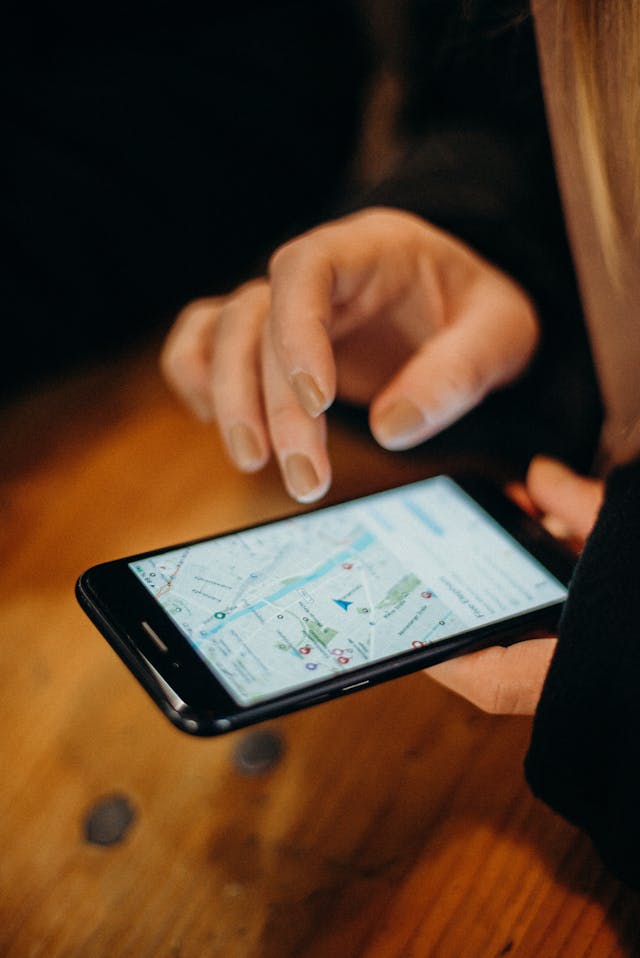
Even simple plans can bend to the weather. Check a forecast for your time window and the exact area you’ll be in. If you are driving, look at the route forecast instead of only the destination.
The National Weather Service offers travel maps that show likely conditions along highway segments, which helps you spot wind, snow, or fog on the way rather than at the last minute. Pack a margin of time if storms or heat are expected. If the event is outdoors, message the host about their rain plan.
Cross-check with Multiple Sources
One source can be wrong. Two or three quick checks give you a clearer picture. Compare what you see across official pages, map listings, and recent reviews.
- Look for a recent update date or post
- Confirm that the same phone number appears in each place
- Match hours on at least two listings
- Read the most recent 3 to 5 reviews for clues on changes
- Check photo timestamps for new signs or entrances
If the pieces disagree, assume the most conservative details until you verify live. That could mean earlier closing, a ticket cap, or a moved entrance.
Call or Chat for Real-time Answers
Front desks and event hosts usually know about closures, private bookings, or last-minute rules. Keep your questions short and specific. Ask about today’s hours, the correct door, and any ID or payment requirements.
Script you can use
Say: Hi, I’m heading over around 3. Can you confirm today’s hours, the entrance I should use, and whether parking is on-site? This quick script gets you the three answers that cause most hiccups.
Travel Logistics – Transportation and Parking
Routes can shift due to road work, parades, or game days. Check your map app’s live alerts, then look for event advisories from the city or venue. If you plan to park, confirm the garage name, entry street, and payment method.
- Save a backup route in case a ramp is closed
- Screenshot your parking reservation and QR code
- Note the garage height limit if you drive an SUV
- Confirm if the lot closes overnight
- Add 10 minutes for elevator or stair time
For transit, verify the stop name and direction. If the platform splits lines, make sure your side matches the destination. Set an alarm to remind you to start walking a few minutes before the train or bus arrives.
Tickets, Reservations, and On-site Rules
Skim the fine print for entry windows and ID needs. Some venues require the buyer’s card, even if a QR code scans. If you are bringing a bag, check the size rules and allowed items.
Backups that help
Forward tickets to a travel partner, or add them to a shared wallet. If service is spotty, store PDFs offline. For restaurant plans, set a backup cafe within a short walk in case the waitlist grows.
Save Your Future Self – Notes, Screenshots, and Backups
As soon as you confirm the basics, capture them in one place you already use daily. Put the exact address, entrance notes, suite or floor, and a nearby landmark into your calendar event. Add the phone number, booking reference, and the name of the parking garage with its entry street. Drop a map pin, rename it with the place and date, and attach it to the same event so everything travels together.
Take screenshots of the map route, hours, ticket page, and any social post that mentions changes. If your device allows it, mark up the screenshot with arrows or a short label like Use south door – elevator to 3rd floor. Save PDFs of tickets or confirmations for offline use and rename them with clear titles like 2026-02-10_museum_ticket. Build a simple note template you can reuse: Address, Hours, Contact, Parking, What to bring, Backup option. A 10-second voice memo can help, too, if curbside instructions are tricky.
Clashing details are not a fail – they are a signal to pause. If the address looks right but the photos don’t match, assume the label is stale. If hours differ, assume the earliest closing until you verify. The small habit of checking twice turns a messy scramble into a smooth start, and you enjoy the plan you made without the rush.











Add Your Comment